
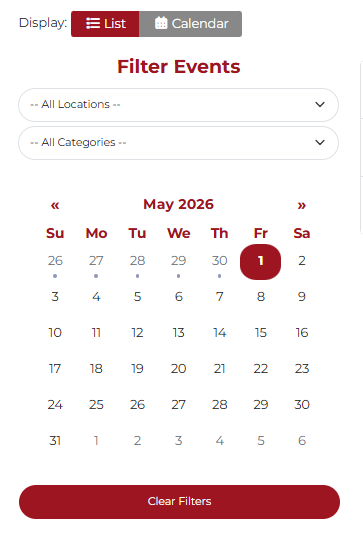
1. Filter Events & Select Program Date
On the calendar, be sure to filter events to "All locations" so every program is displayed. Click on the date of the program you would like to register for.
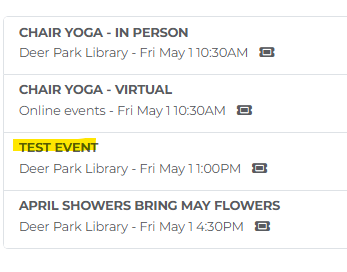
2. Select Event
Select the event directly to the right of the calendar.

3. Registering
You will be brought to the event page where you can click Register Now.
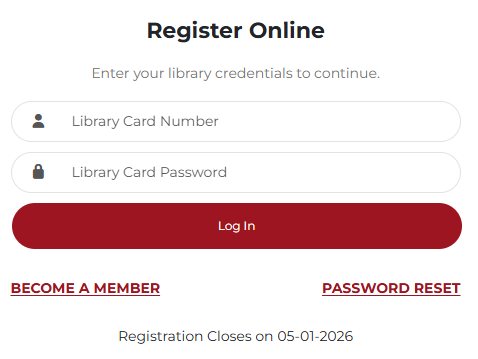
4. Enter Library Credentials
You will be brought to the bottom of the page. This is where you will enter your library card barcode and password. If you do not remember your password, you can click "Password Reset" to create a new one.
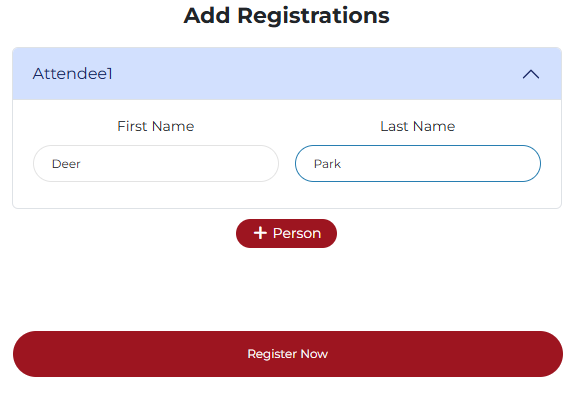
5. Complete Registration
After successfully logging in, your first and last name should automatically populate. This is where you may enter additional registrants (if program allows), and payment information if required.
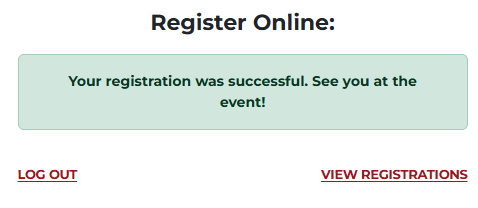
6. Confirmation
You will see a confirmation message notifying you that your registration was successful.
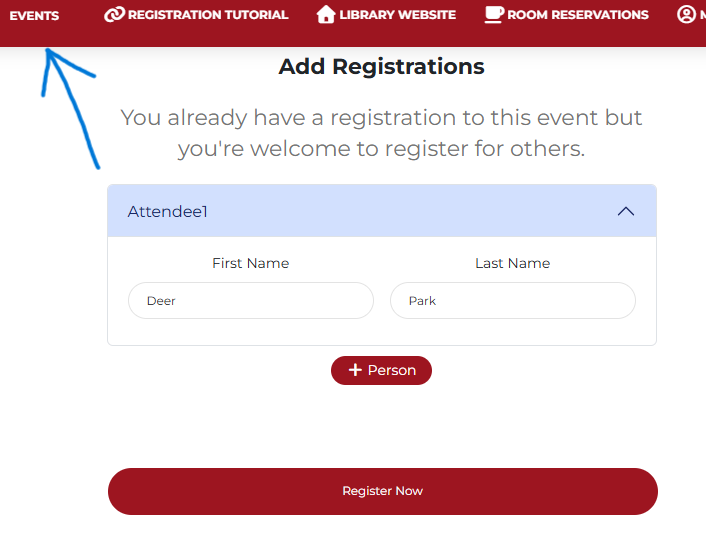
7. Look for More Events
Now that you're already logged in, click the "Events" button in the top left corner. This will bring you back to the calendar page to select a new program to register for. You do not have to enter your library credentials a second time, as long as you stayed in the browser.